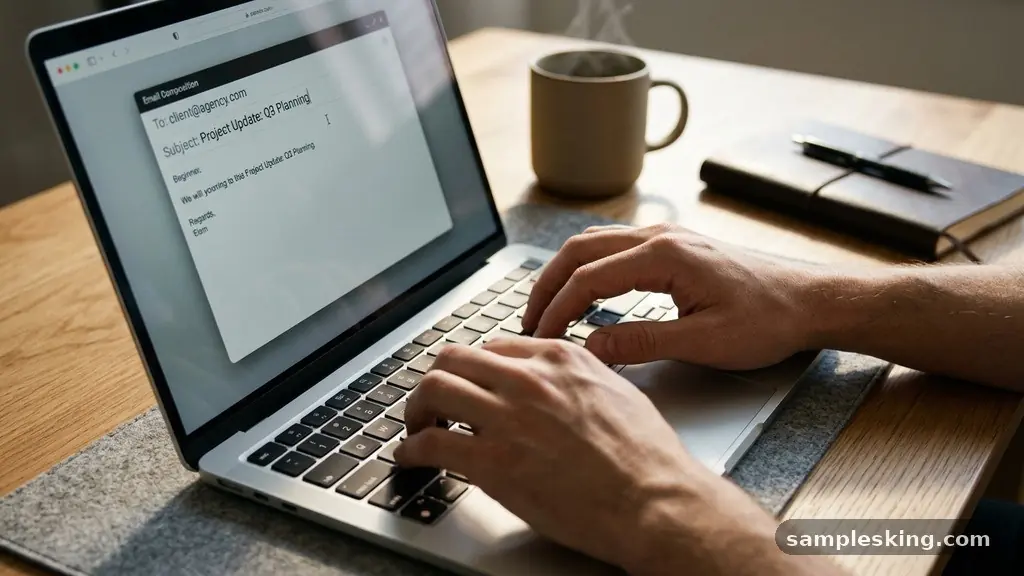
Mastering the art of workplace communication is essential for career growth, and having a reliable set of professional email samples for common workplace situations can save you significant time. Whether you are coordinating with colleagues or reaching out to external partners, your written messages reflect your competence and respect for others’ time.
By focusing on subject line clarity and maintaining a consistent professional tone, you ensure your requests are handled efficiently. This collection provides templates and strategies to help you handle everyday correspondence with confidence, ensuring your intent is always clear and your interactions remain productive.
Mastering Subject Line Clarity
The subject line is the most critical part of any message because it determines whether your recipient opens your email immediately or lets it sit in their inbox. A vague subject line like “Question” or “Update” often leads to delays, as the recipient cannot prioritize the task without more context. Instead, use specific keywords that identify the project or the nature of the request.
For example, if you are sending a report, use “Final Draft: Q3 Marketing Report – Due Friday.” This provides the recipient with the topic, the status, and the urgency level in a single glance. If the email requires an action, include terms like “Action Required” or “Approval Needed” at the very beginning of the line.
Effective communication begins before the email is even opened. When your subject line acts as a summary, you help your team manage their time more effectively. This simple habit reduces the need for back-and-forth clarification emails, keeping internal collaboration streamlined and professional.
Requesting Meetings with Purpose
When you need to schedule a meeting, brevity and clarity are your best allies. Start by stating the purpose of the meeting, the estimated duration, and the desired outcome. Providing a few specific time windows helps eliminate the “when are you free?” dance that often plagues calendar coordination.
Avoid sending generic meeting requests that leave the participant guessing why they are being invited. If you are meeting with a stakeholder, mention the specific project status updates you intend to discuss. This allows the other person to prepare any necessary documentation beforehand.
Meeting Request Template
Subject: Discussion: Project Alpha Timeline Review
Hi [Name], I would like to schedule a 20-minute meeting to review the upcoming milestones for Project Alpha. Your input on the Q4 budget allocation is essential for us to finalize the plan.
Please let me know if any of the following times work for you: Tuesday at 10:00 AM, Wednesday at 2:00 PM, or Thursday at 9:00 AM. If these don’t fit your schedule, please share your availability.
Handling Project Status Updates
Stakeholder management often hinges on how well you communicate progress. When providing updates, use a bulleted format to ensure the information is scannable and easy to digest. Focus on completed tasks, current blockers, and upcoming deadlines.
If you are facing a delay, be honest and provide a revised timeline immediately. Transparency builds trust, whereas silence often leads to unnecessary worry from your team or managers. Always include a clear call to action if you need someone to review a document or provide an approval.
| Task Name | Status | Next Milestone |
|---|---|---|
| Website Migration | In Progress | Beta Testing (Oct 12) |
| Client Onboarding | Completed | N/A |
| Budget Review | Pending | Approval Needed (Oct 15) |
The Art of Follow-Up Emails
Follow-up emails are necessary when you haven’t received a response, but they require a delicate touch. You want to remain persistent without appearing aggressive or impatient. Wait at least 48 hours before sending a polite nudge, unless the situation is time-sensitive.
A good follow-up acknowledges that the recipient is likely busy and offers a graceful way for them to respond. Avoid phrases like “As I mentioned in my previous email,” which can sound accusatory. Instead, frame your follow-up as a helpful reminder to keep the project moving forward.
- Reference the original email by replying to the same thread.
- Keep the tone neutral and helpful rather than frustrated.
- Clearly state the deadline or the impact of the pending task.
- Offer to provide further information if the recipient is stuck.
Providing Constructive Feedback
Delivering feedback via email is challenging because text often lacks the nuance of face-to-face conversation. Always lead with positive observations before addressing areas for improvement. Use “I” statements to focus on your perspective rather than attacking the individual’s performance.
Be specific about the issue and provide actionable steps for improvement. If the feedback is sensitive, it is often better to use email only to set up a meeting where you can discuss the matter in person. For minor corrections, keep the tone encouraging and supportive.
Remember that your goal is to help the recipient grow, not to criticize them. If you are documenting feedback for a performance review, ensure your language is objective and based on measurable outcomes. This maintains a professional tone that protects your working relationship.
Managing Cold Outreach
Cold outreach requires a high degree of personalization to be effective. If you are reaching out to someone you don’t know, explain exactly why you are contacting them and what value you offer. Generic, mass-sent emails are almost always ignored or marked as spam.
Research the recipient before you hit send. Mention a recent article they wrote or a project their company completed to show you have done your homework. Keep your email short, as cold leads are unlikely to read long, rambling paragraphs from strangers.
For more information on writing effective professional correspondence, you can visit the Grammarly Business Email Etiquette Guide for additional tips on tone and clarity. This resource helps clarify how to maintain a consistent voice across different platforms.
Refining Your Email Signature
Your email signature acts as your digital business card and is a vital component of your corporate correspondence. It should include your full name, job title, company name, and a professional phone number. Avoid using overly complicated fonts or excessive images that can cause issues with spam filters.
If you include links, ensure they lead to professional sites like your LinkedIn profile or your company’s landing page. Keep the design clean and consistent with your company’s branding guidelines. A well-structured signature adds legitimacy to every email you send.
Think of your signature as the final impression you leave on every recipient. It provides a quick way for people to verify your identity and contact you through other channels. Keep it simple, functional, and strictly professional.
Maintaining Tone of Voice
Your tone of voice in emails is a direct reflection of your brand and your professionalism. Even in internal communication, avoiding overly casual slang or emojis is usually the safest path. You want to be approachable but reliable, which means striking a balance between warmth and formality.
If you find yourself writing an emotional or frustrated email, take a step back. Draft the message in a separate document and wait an hour before reviewing it. Often, a second look will reveal that your tone was sharper than you intended.
Consistency is key to building a reputation as a clear and thoughtful communicator. When your team knows they can rely on your emails for accurate, calm, and professional information, you become a more effective collaborator. Your writing style is a primary tool for stakeholder management.
Frequently Asked Questions
How soon should I follow up on a non-urgent email?
For most non-urgent workplace requests, waiting three to five business days is standard practice. This gives the recipient enough time to work through their own queue without feeling overwhelmed by constant reminders.
What is the best way to decline a meeting request?
Be polite but firm by stating that your current workload prevents you from giving the meeting the attention it deserves. If appropriate, suggest a colleague who might be better suited to attend or offer to review the meeting notes afterward.
Should I use emojis in professional emails?
Emojis are generally best avoided in formal correspondence or with external clients. In internal teams with a relaxed culture, a simple smiley face can sometimes soften a message, but it is safer to rely on your tone of words instead.
How can I make my long emails easier to read?
Use short paragraphs, bulleted lists, and bold text for key dates or action items. Breaking up dense text into smaller, digestible chunks helps the reader identify the most important information quickly.
What if I made a mistake in an email I already sent?
Send a follow-up email immediately acknowledging the error and providing the correct information. Keep it brief—there is no need to over-explain or apologize profusely—and move on to the solution.
Final Thoughts
Refining your approach to professional email samples for common workplace situations is a continuous process that pays dividends in efficiency and clarity. By standardizing how you handle meetings, updates, and feedback, you reduce friction in your daily operations. Remember that every email is an opportunity to demonstrate your reliability and respect for your colleagues.
As you integrate these practices into your routine, you will find that your internal and external correspondence becomes a natural strength of your professional profile. Start by auditing your recent sent messages to see where you can improve your subject lines or clarity. Consistent, thoughtful communication will always be a hallmark of a high-performing professional.